The EVsafe update on 11/11/2026: QR code scanning for casual charging is more stable, Zalo login, daily rewards continue, automatic e-invoices, and a management portal for station owners.
EVsafe has just released a major update on 11/11/2026. This time, there are changes for both parties: electric vehicle users can charge more quickly, while station owners have their own tools to monitor their stations. Below are the most notable points.
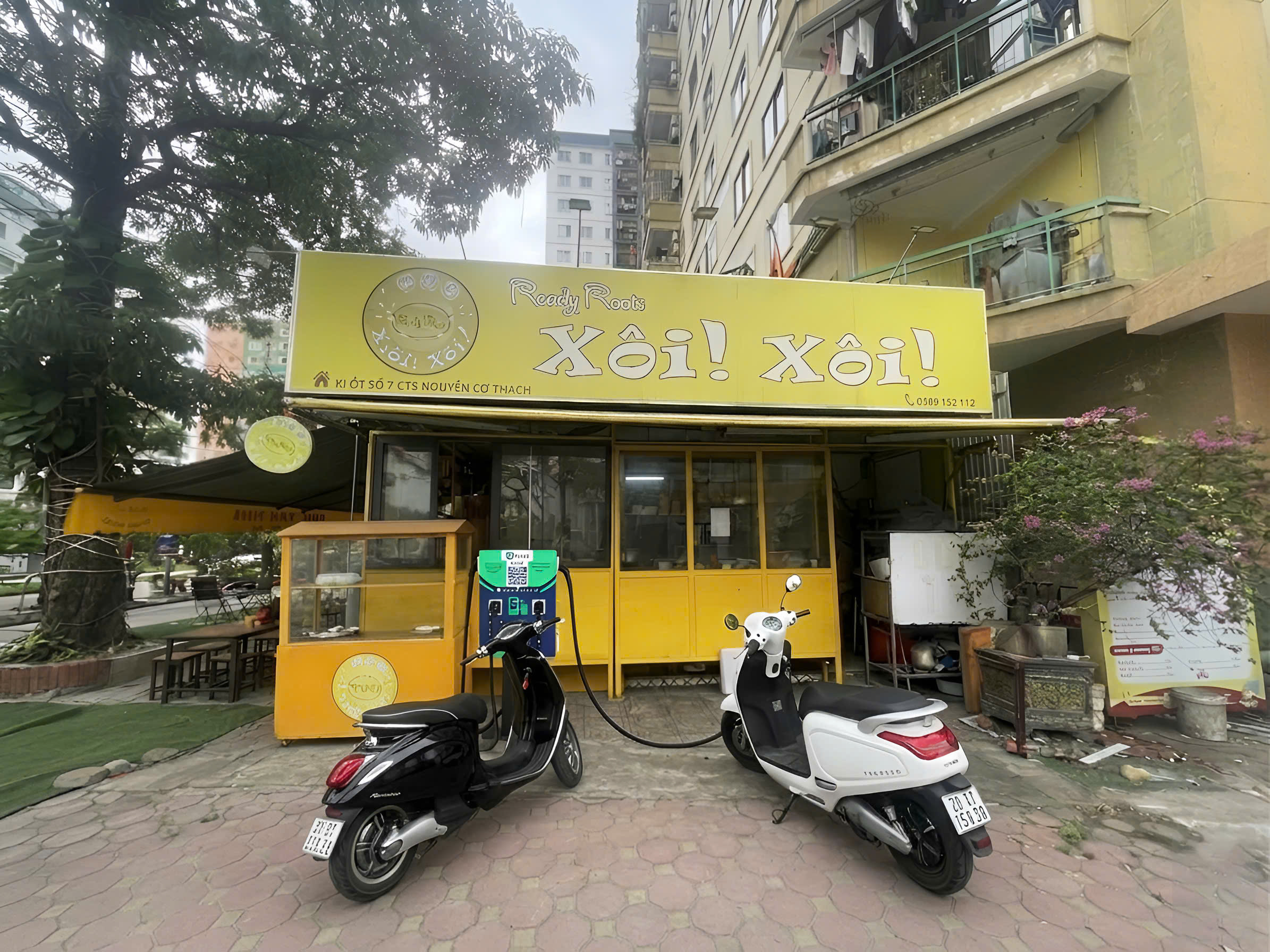
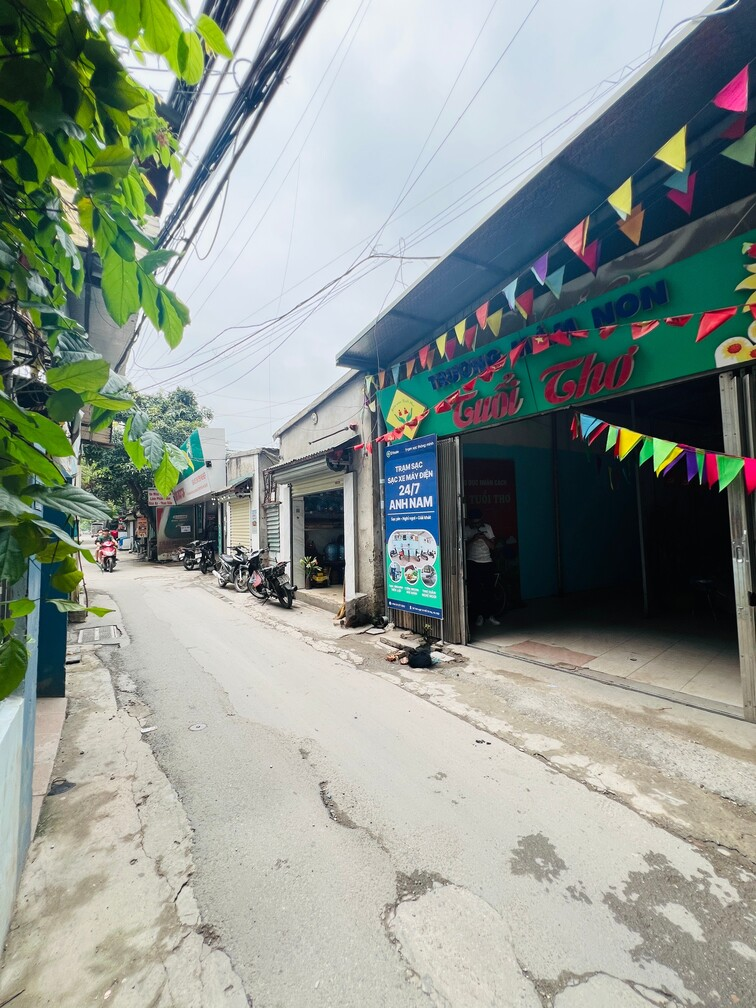
Scan QR to charge, no need to download the app
The charging process for casual customers has been revamped from the start, running more smoothly at the two most error-prone steps: starting and stopping charging. When you arrive at the station, simply scan the QR code on the charging post. The charging page will ask if you want to open the app or charge directly in the browser; choose "Charge without app" to continue immediately.
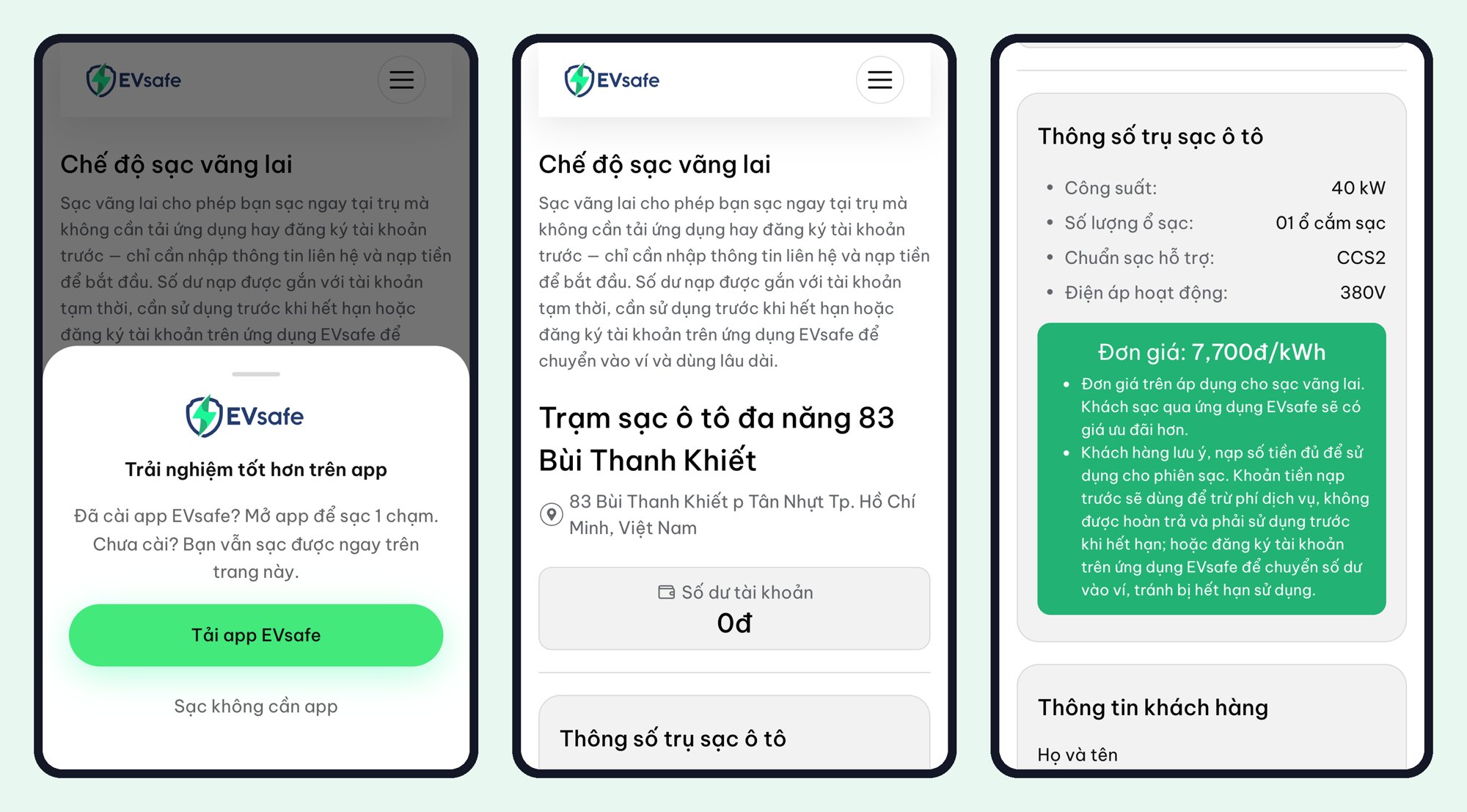
The charging page clearly displays the station name, address, post capacity, charging standard, and pricing per kWh before you top up. You only need to enter your name, phone number, top up, and press start charging. The remaining balance is kept in a temporary wallet, used for the next charge or transferred to your wallet when you register an account on the EVsafe app.
Improved experience on the EVsafe app
- Login with Zalo: an additional quick login method alongside the old ones.
- Daily rewards are no longer limited: previously, the reward chain stopped after 7 days, but now the rewards cycle back, so those who charge regularly can continue to receive them.
- Favorite stations: save frequently visited stations and view the number of likes for each station when searching for nearby stations.
- Quick recharge: The charging session that just ended can be recharged immediately on the same charging gun, without having to start from scratch.
- Transparent waiting fee: the parking fee after charging is completed is locked at the time of calculation and does not change afterwards.
- Automatic electronic invoice: the invoice is issued immediately after each successful top-up.
The new app will be available on App Store and Google Play in the next few days. If your device has not updated automatically, please go to the app store and update EVsafe when the new version appears.
For station owners: a separate management portal
This is the largest part of the update. Station owners log in to the station owner portal at volt.evsafe.io using their station owner account to view:
- the list of linked stations;
- charging sessions taking place at their station;
- wallet balance and top-up history related to the station.
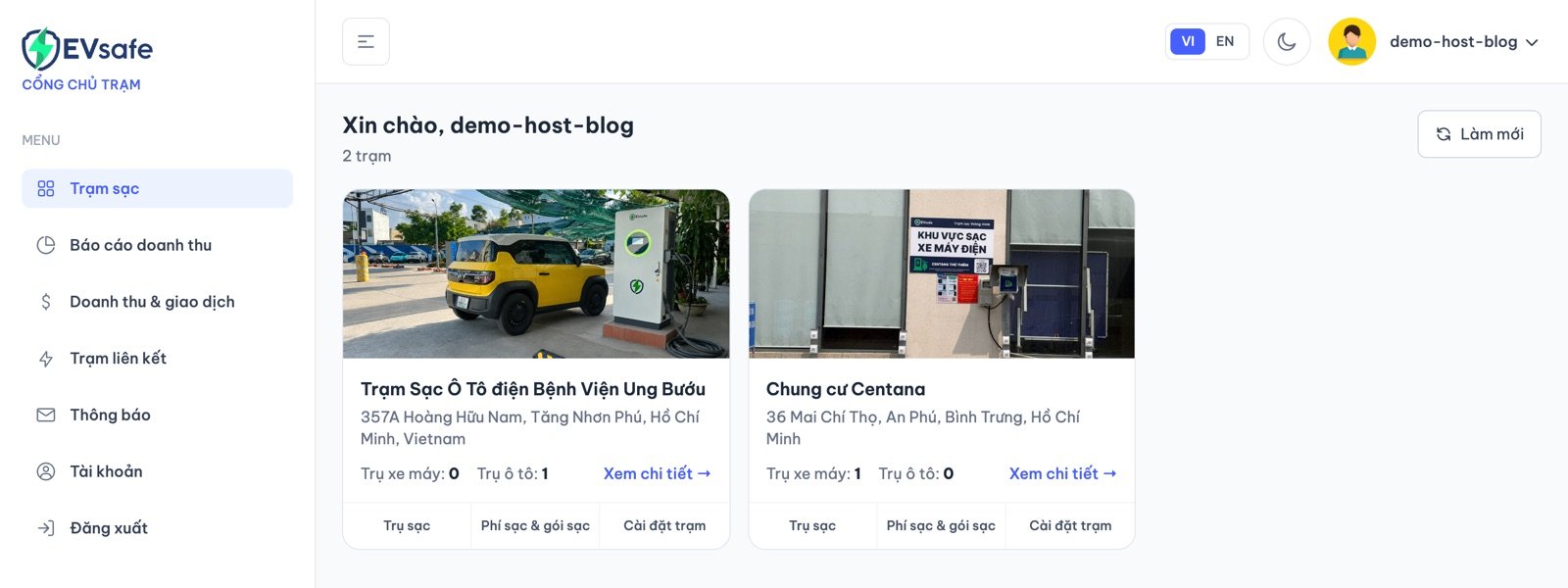
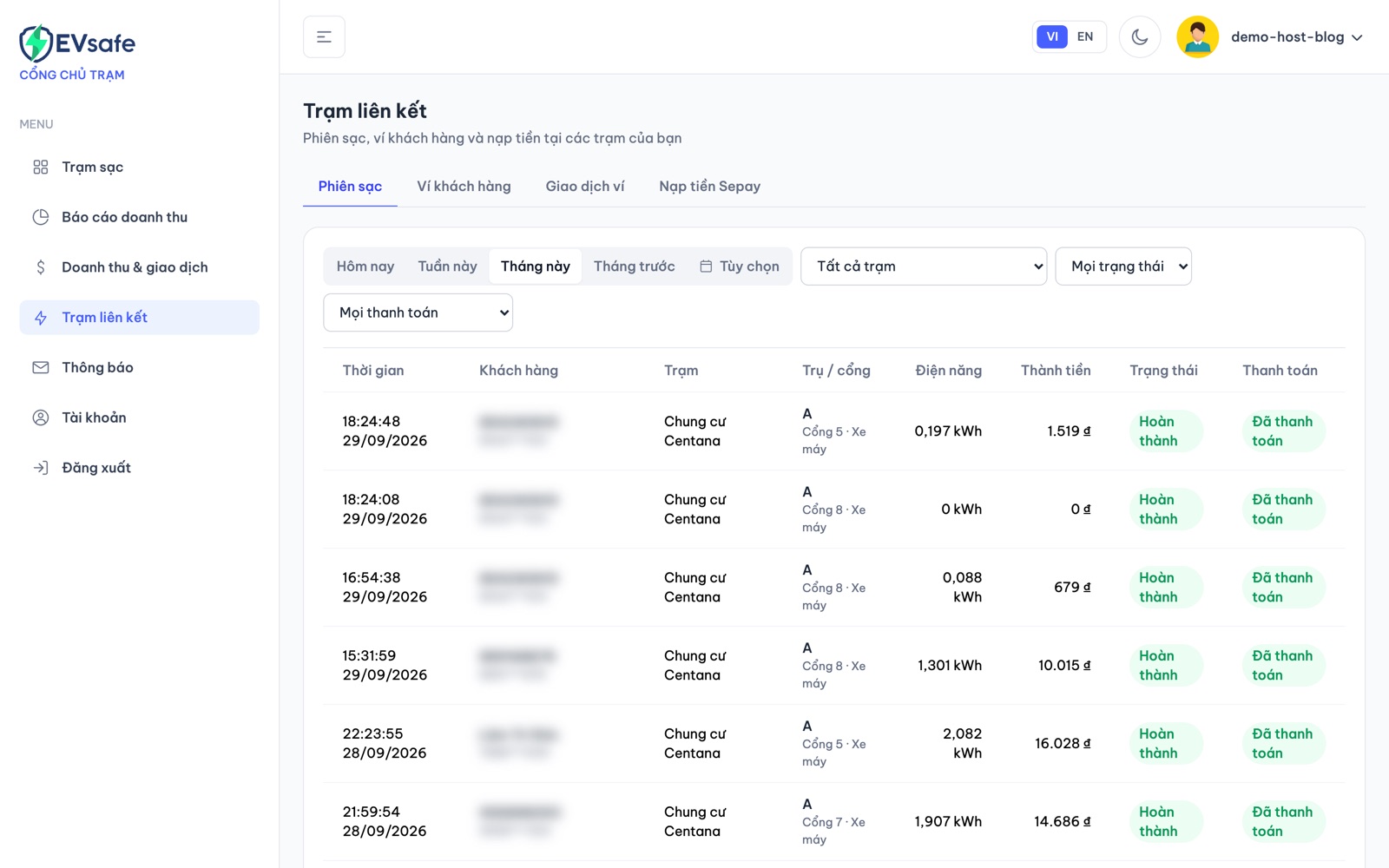
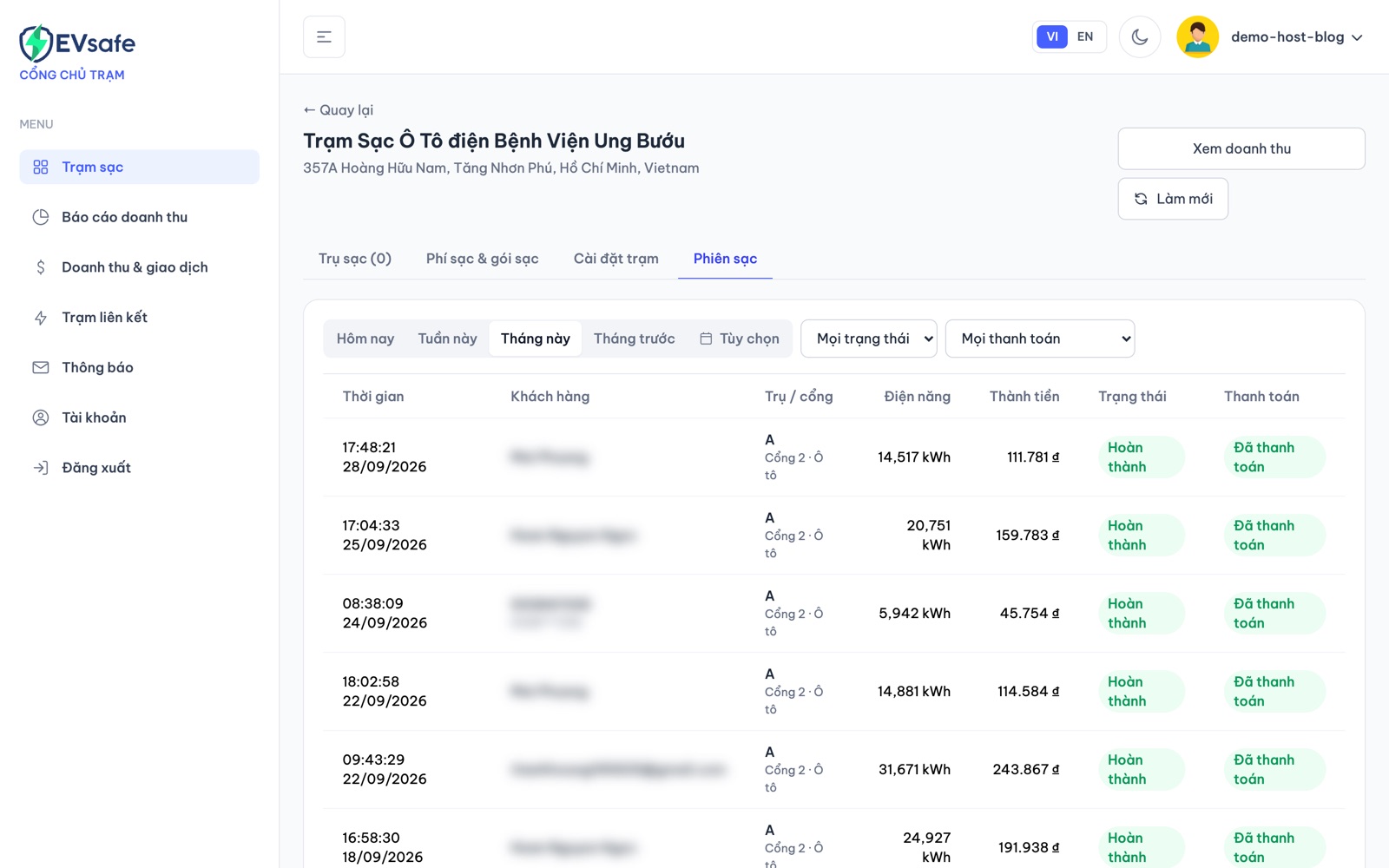
Screenshot taken from a trial station owner account, customer information has been obscured.
Disconnected pillar alert: station owners are notified when a pillar is offline for 30 minutes, 2 hours, and when the pillar becomes active again. No need to manually check for issues.
Registering a new station on the map: there is a new station registration process so that your station can appear on the EVsafe map soon after being approved.
Getting started
- Drivers: find a station on the EVsafe charging station map, go there and scan the QR code on the pillar to start charging.
- Station owners: log in to volt.evsafe.io. If you don't have an account or forgot your password, click on the links below the login button.
- Want to install a charging station at your location: view the station owner partnership program or call the EVsafe hotline.